
It’s not exactly straight forward on how to do this. I figured a blog post would be helpful
Step 1: Create user
Create an PRTG user account on your linux machine and change the passwordsudo useradd prtgsudo passwd RandomPassword
Step 2: Create folder
PRTG software specifically looks in /var/prtg/scripts, so you will have to create that directory for the script to reside incd /varmkdir prtg
cd prtg
mkdir scripts
Step 3: Create script
cd /var/prtg/scripts
sudo nano check_snort.sh
status=$(systemctl is-active snort)
if [ "$status" = "active" ]; then
echo "0:1:Service is running"
else
echo "2:0:Service is $status"
fi
You can change “snort” to whatever service you’re trying to monitor. After you close out of Nano, you have to make it executable withsudo chmod +x check_snort.sh
If you run the script you should see this as an output.

0 is the return code which PRTG needs to see if the script succeeds or fails, followed by the value PRTG looks at of 1 (meaning active).
Step 4: Update PRTG group with prtg user credentials
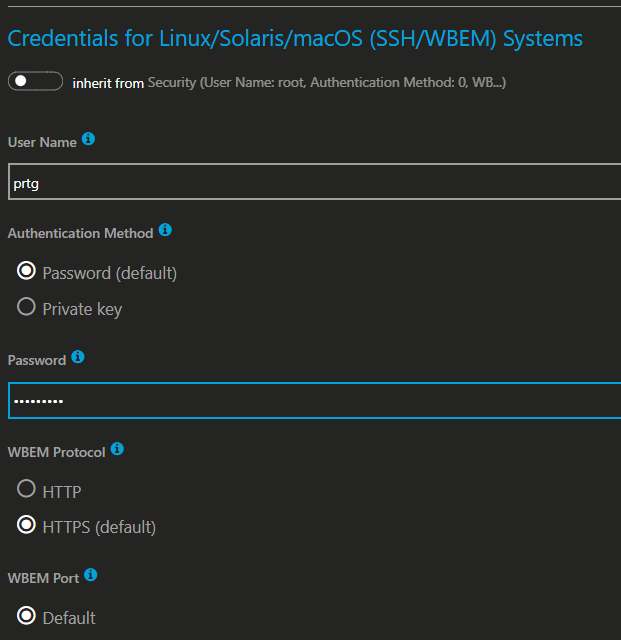
Step 5: Add and modify sensor
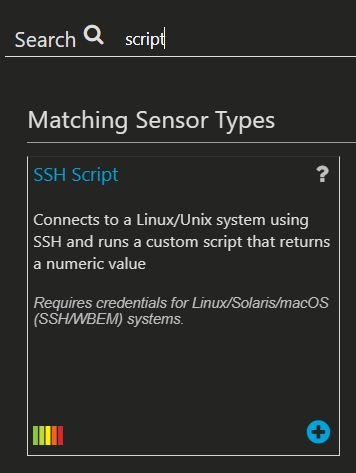
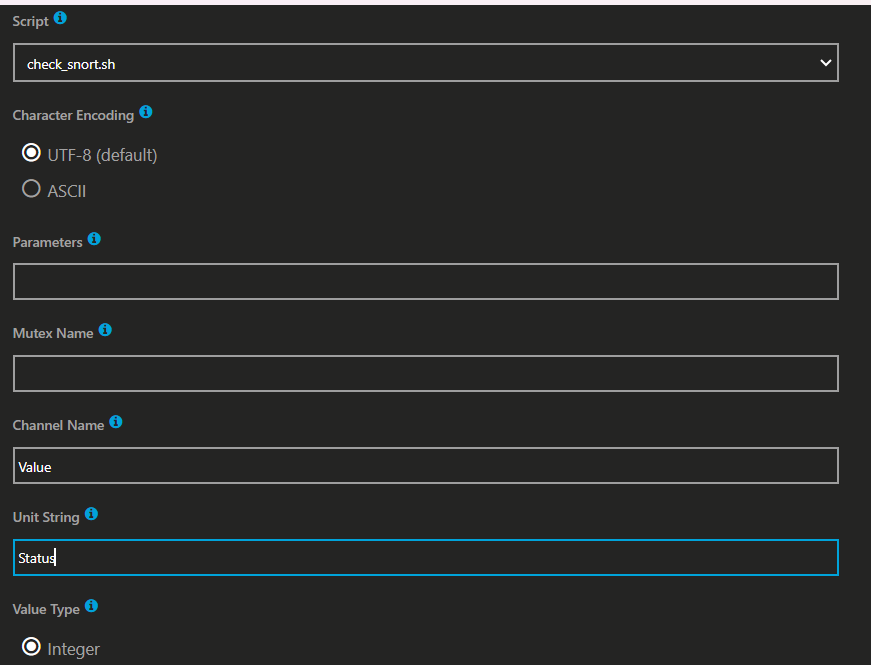
If you don’t see the name of the script in that field then you need to double check you made the appropriate folder in step 2.
Modify the channel value to something like screenshot.
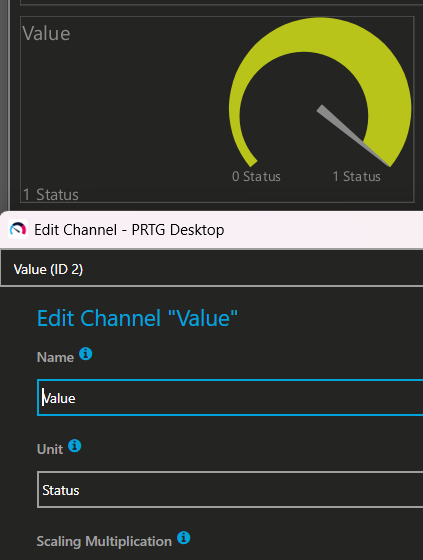

To simulate the service being down to make sure the sensor is working you can stop the service:
sudo systemctl stop snort
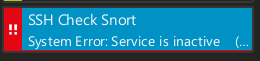
To bring it back up
sudo systemctl start snort